Additional Resources
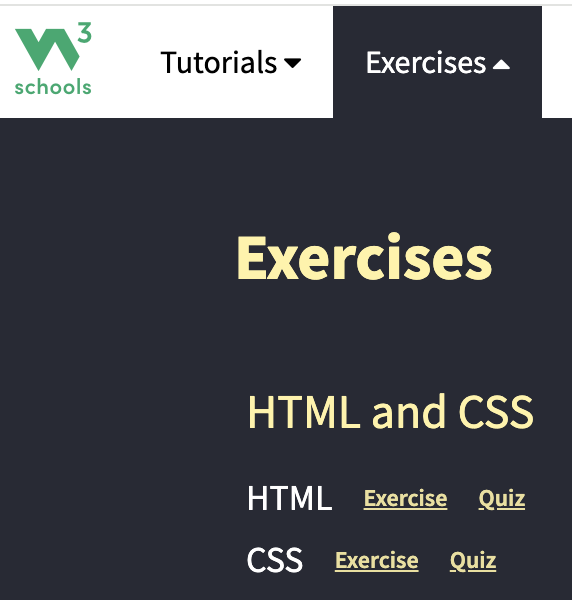
After you have an account created, the quizzes and exercises can be located in the top menu (image shown below).
Or you can find them
-> HTML Examples -> HTML Quiz
and
-> HTML Examples -> HTML Exercises
Week11
Important: Create an account on W3Schools. You need to do this if you want to take quizzes and exercises and be able to leave and come back to where you left off.
On the W3Schools
-> HTML Tutorial read:
Review all sections.
-> HTML Forms:
Review all sections.
Additional Resources
After you have an account created, the quizzes and exercises can be located in the top menu (image shown below).
Or you can find them
-> HTML Examples -> HTML Quiz
and
-> HTML Examples -> HTML Exercises
Lab11
Do the HTML Quiz. There are 40 questions.
You may take the quiz as many times as you like.
When you are satisfied with your quiz score, take a screenshot of your entire desktop. Set up the screenshot so that your W3schools username is in the upper right corner.
Submit your screenshot of you quiz score to the D2L dropbox.
Do the HTML Exercises. There are 51 groups of exercises that have 3 to 5 questions each.
You may rework the exercises as much as you want.
When you are satisfied with your exercises score, take a screenshot of your entire desktop. Note: Set up the screenshot so that your W3schools profile username is in the upper right corner and that your score is visible.
Submit your screenshot of you exercises score to the D2L dropbox.
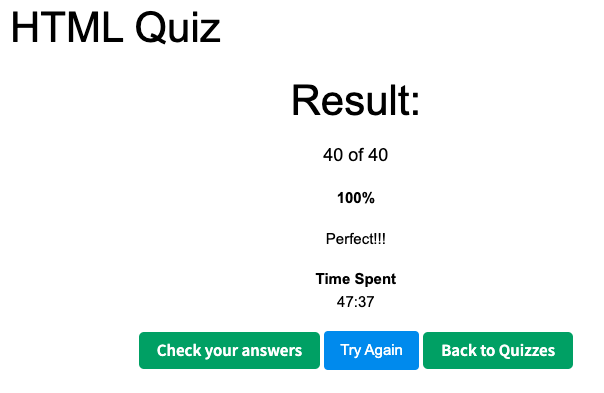
Sample screenshot of the quiz results below. Notice W3schools profile username in the upper right corner.
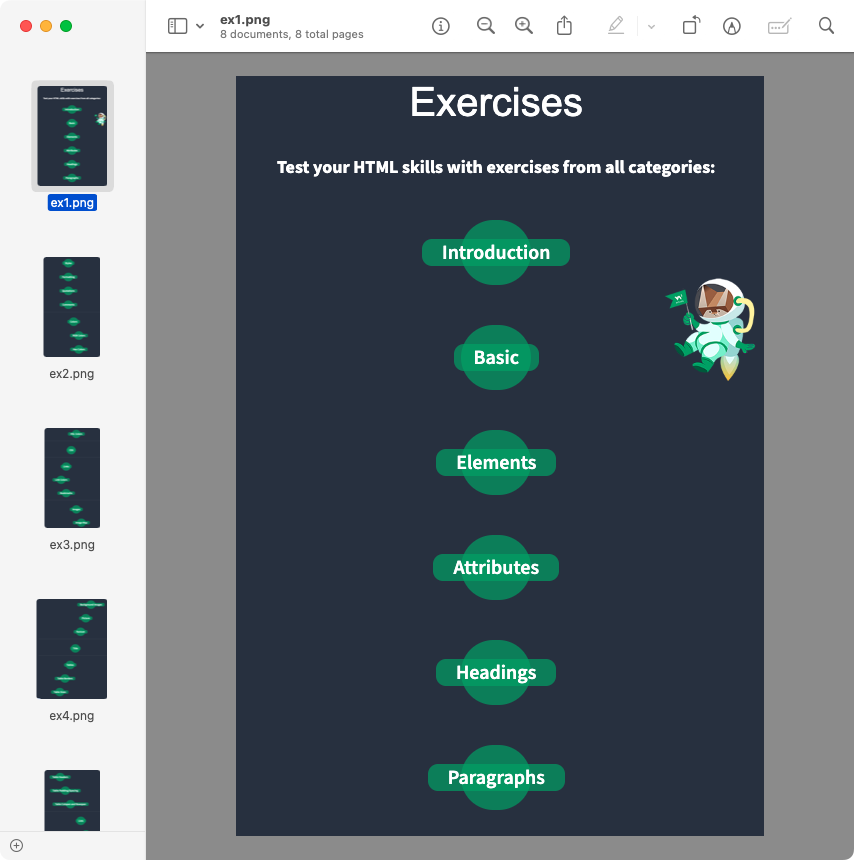
Sample screenshot of the exercise results below. Notice W3schools profile username in the upper right corner.
| Grading Criteria | Possible Points 15 |
Your Points 15 |
| HTML Quiz score screenshot. Percent on quiz will be multiplied by possible points. Example 80% score = 0.80 * 5 = 4 points | 5 | 5 |
| HTML Exercises score screenshot. Percent of exercises will be multiplied by possible points. Example 80% score = 0.80 * 10 = 8 points | 10 | 10 |