Lab3
Create a web page file named lab3.html Notice that it is all lowercase, no spaces. 0.5pt
Create a html file that has the correct structure using the doctype, html, head, title, and body opening and closing tags. 0.5pt
Title the page "Your Name lab3" where YourName is your real name. 0.5pt
All styles for this assignment need to be in an internal style sheet (in the head inside the <style> </style> tags). 2pt
Set the background of the page to be a color of your choice and/or use a seamless background image. 1pt
Set the text for the entire page to be something other than the default font. 0.5pt
Create a banner at the top of the page. 1pt
Choose an outline color of the banner that is your choice. 0.5pt
Choose a background color of the banner that is your choice. 0.5pt
Chose a unique font of your choice for the banner text. 0.5pt
Center the text in the banner. 0.5pt
Create a least two blocks of text. 1pt
Use bold and set the color of the bold text that is your choice. 0.5pt
Use italics and set the color of the italics text that is your choice.
0.5pt
You have now created a web page.
Verify that your web page validates using the W3C online validator. You must submit a screenshot to the dropbox that the page validates without ANY errors. 5pt
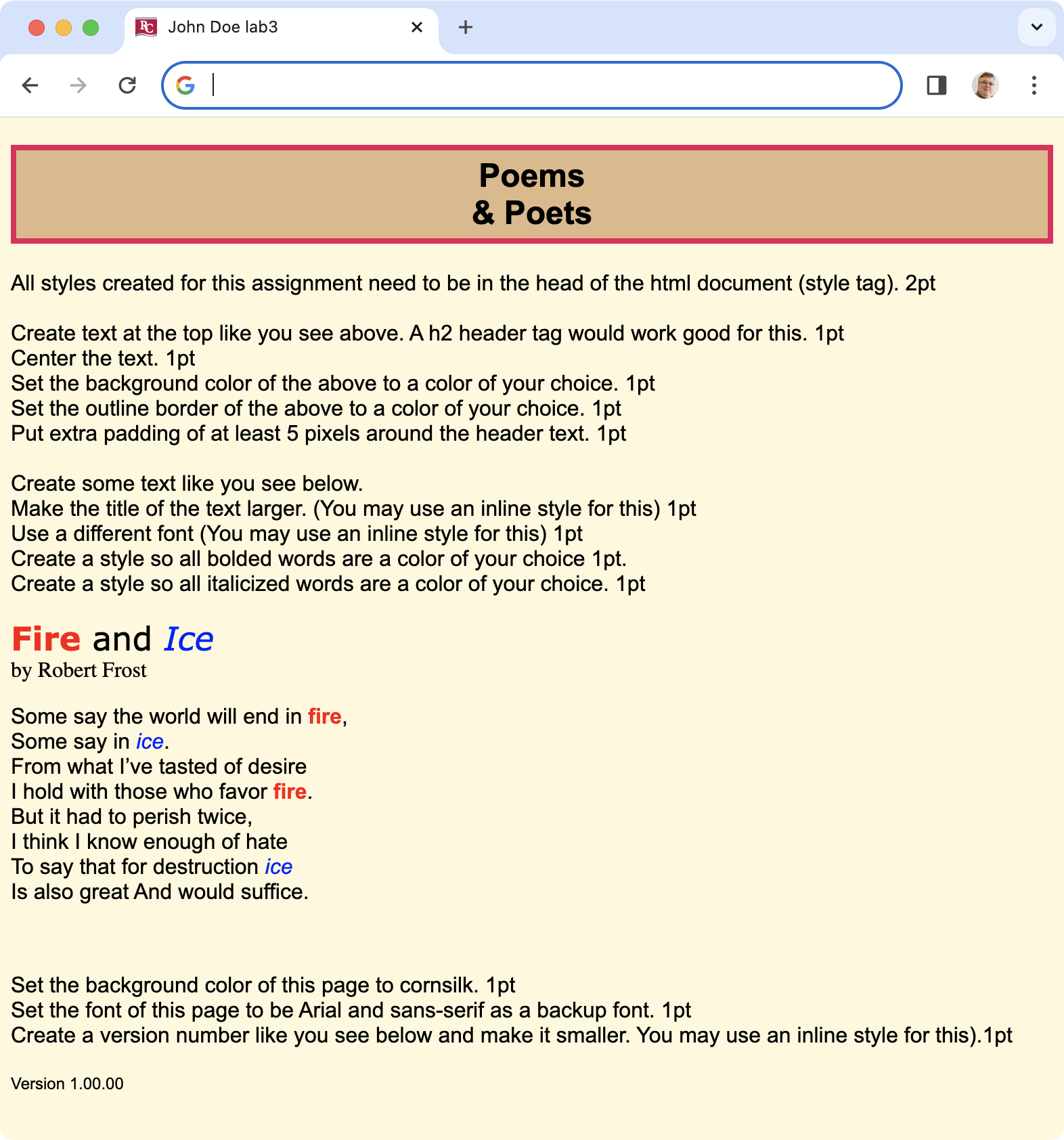
Your result should be similar to what you see below. Do not use the example that we did in class. Use your own creative skills to generate something original.
When validation is passed, you should see a message like below.

| Grading Criteria | Possible Points 15 |
Your Points 15 |
| Points as detailed above in the description. | 10 | 10 |
| Document validated without any errors. | 5 | 5 |